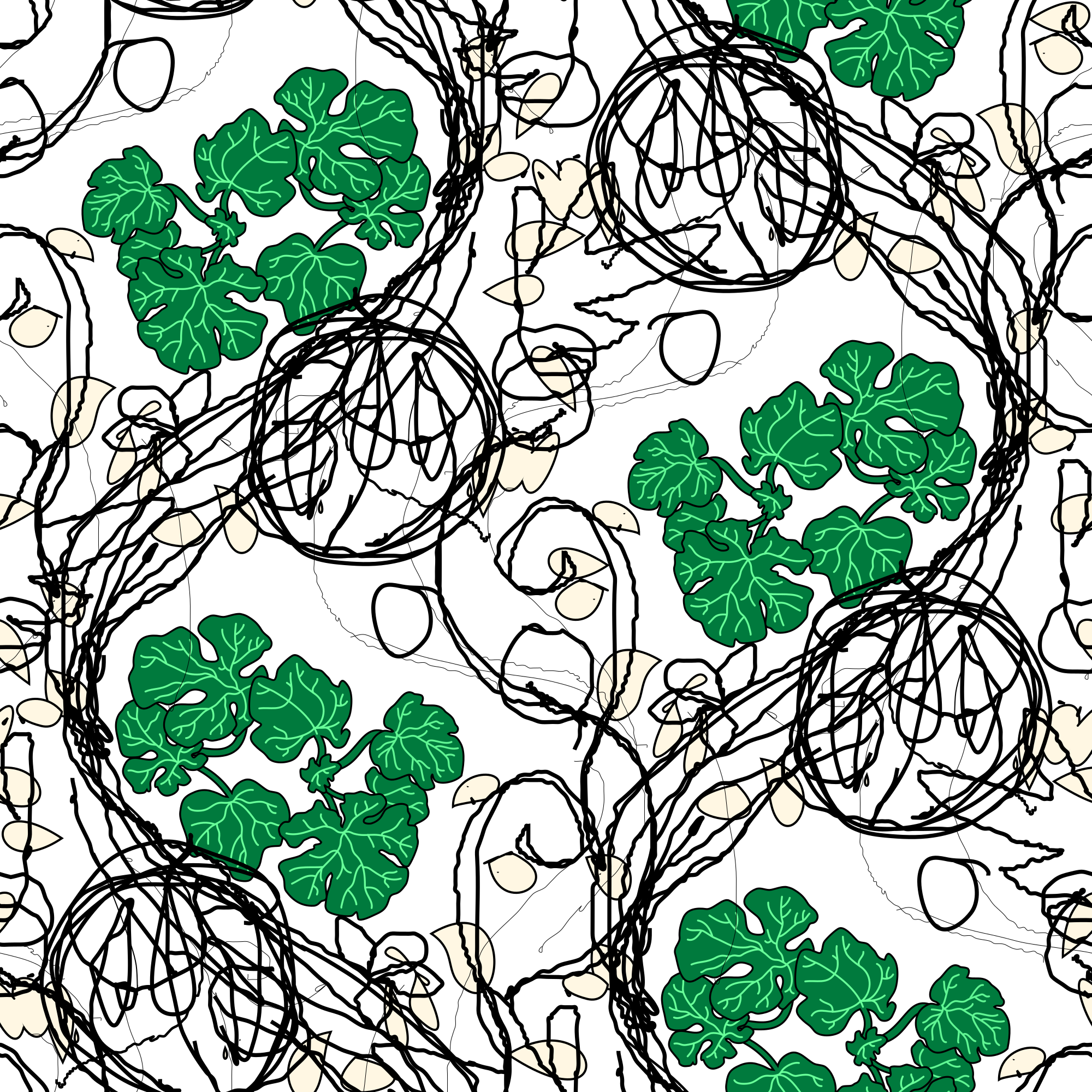
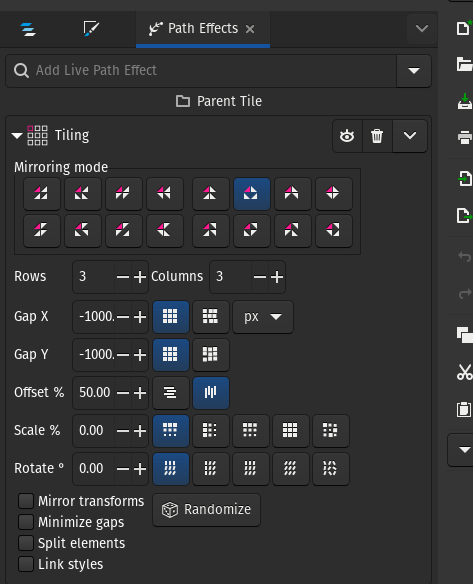
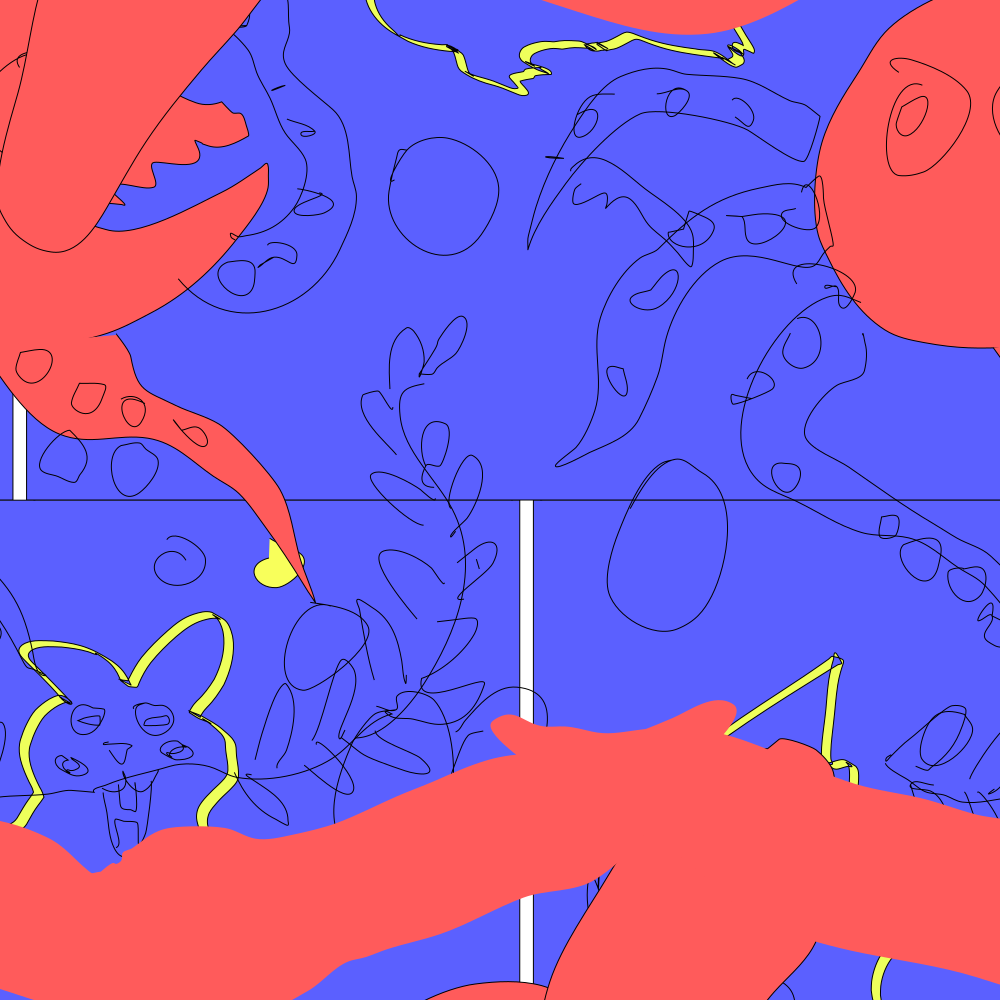
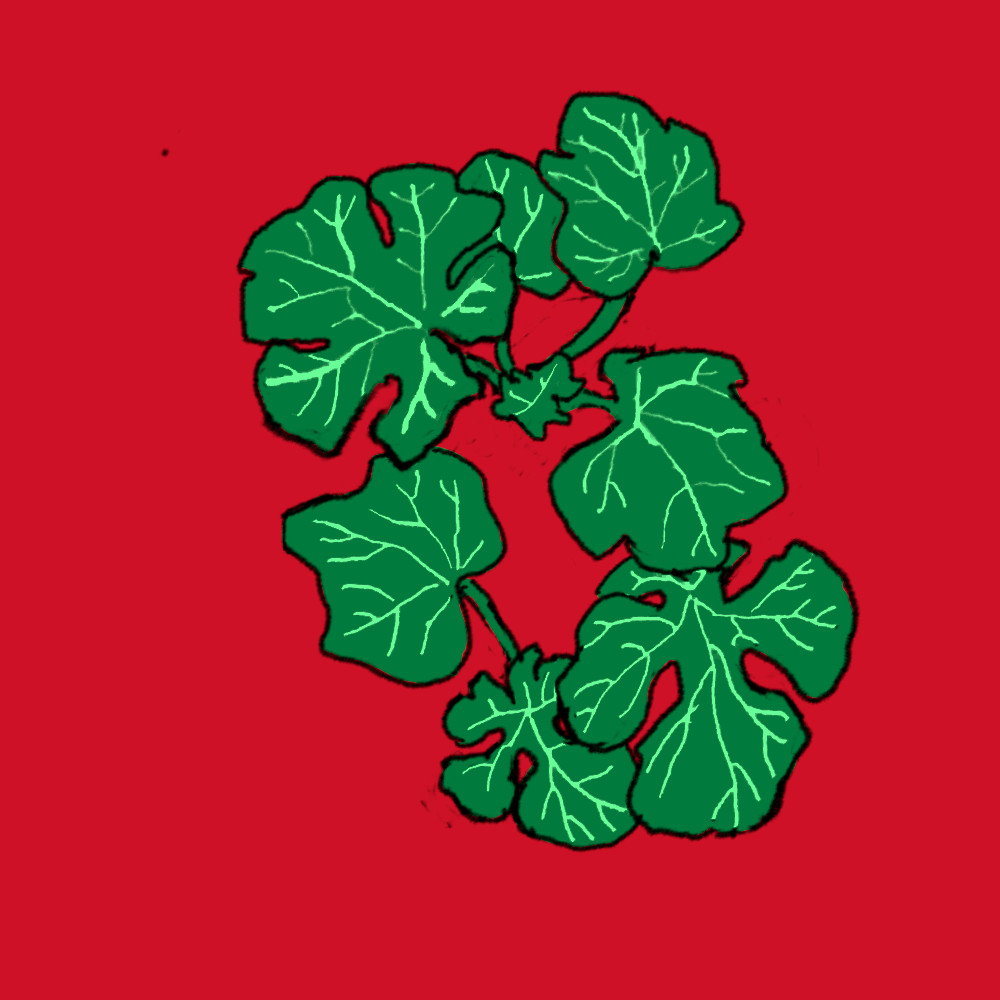
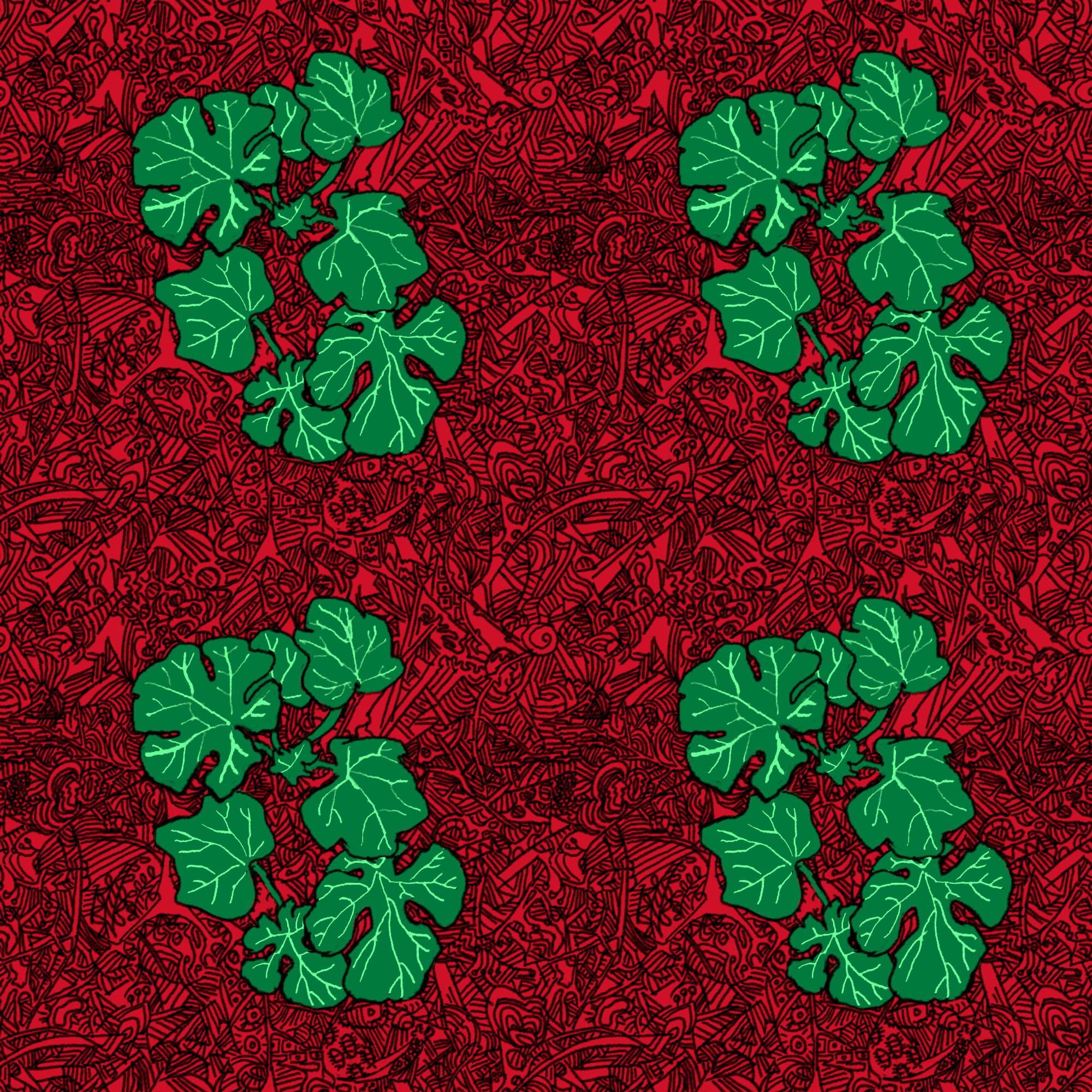
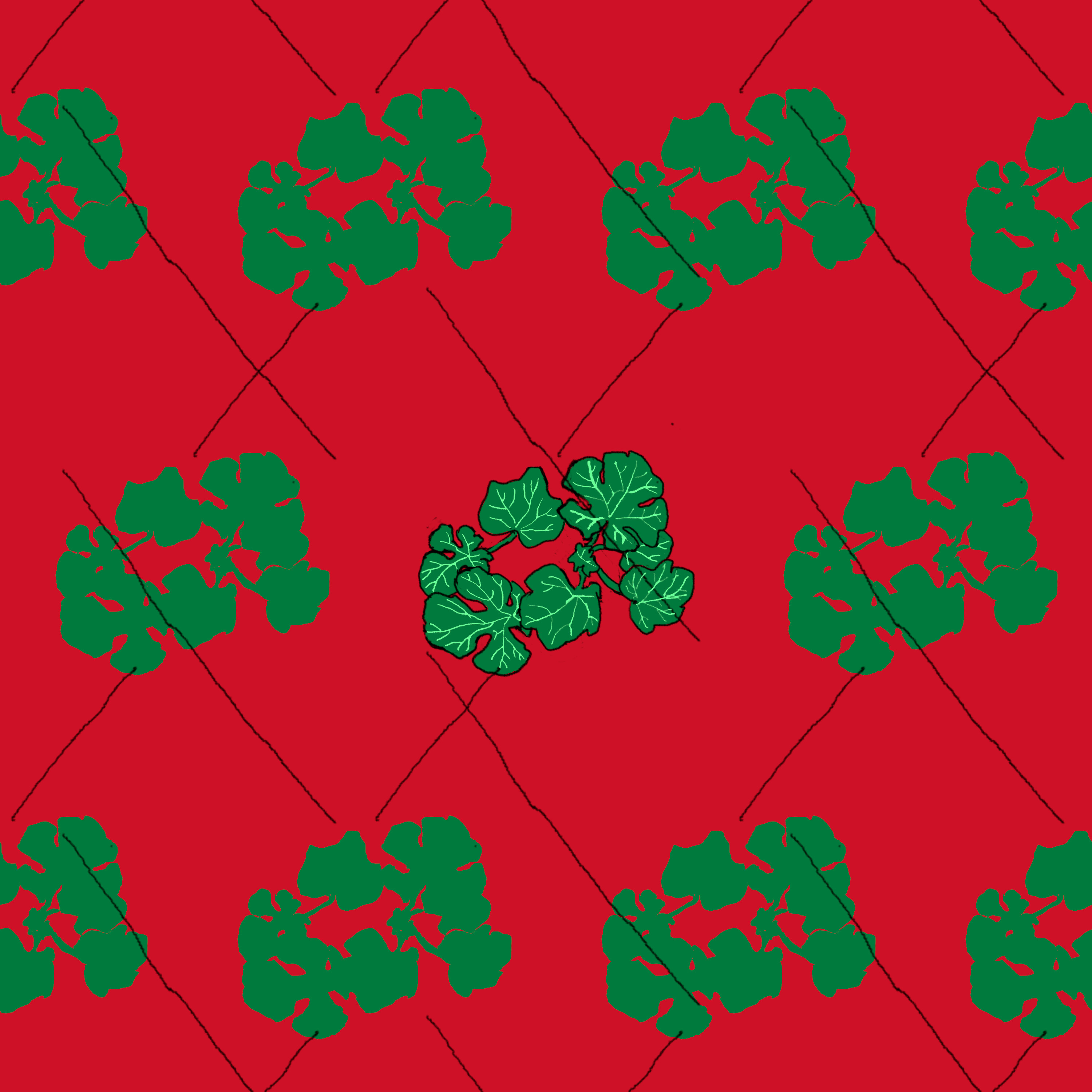
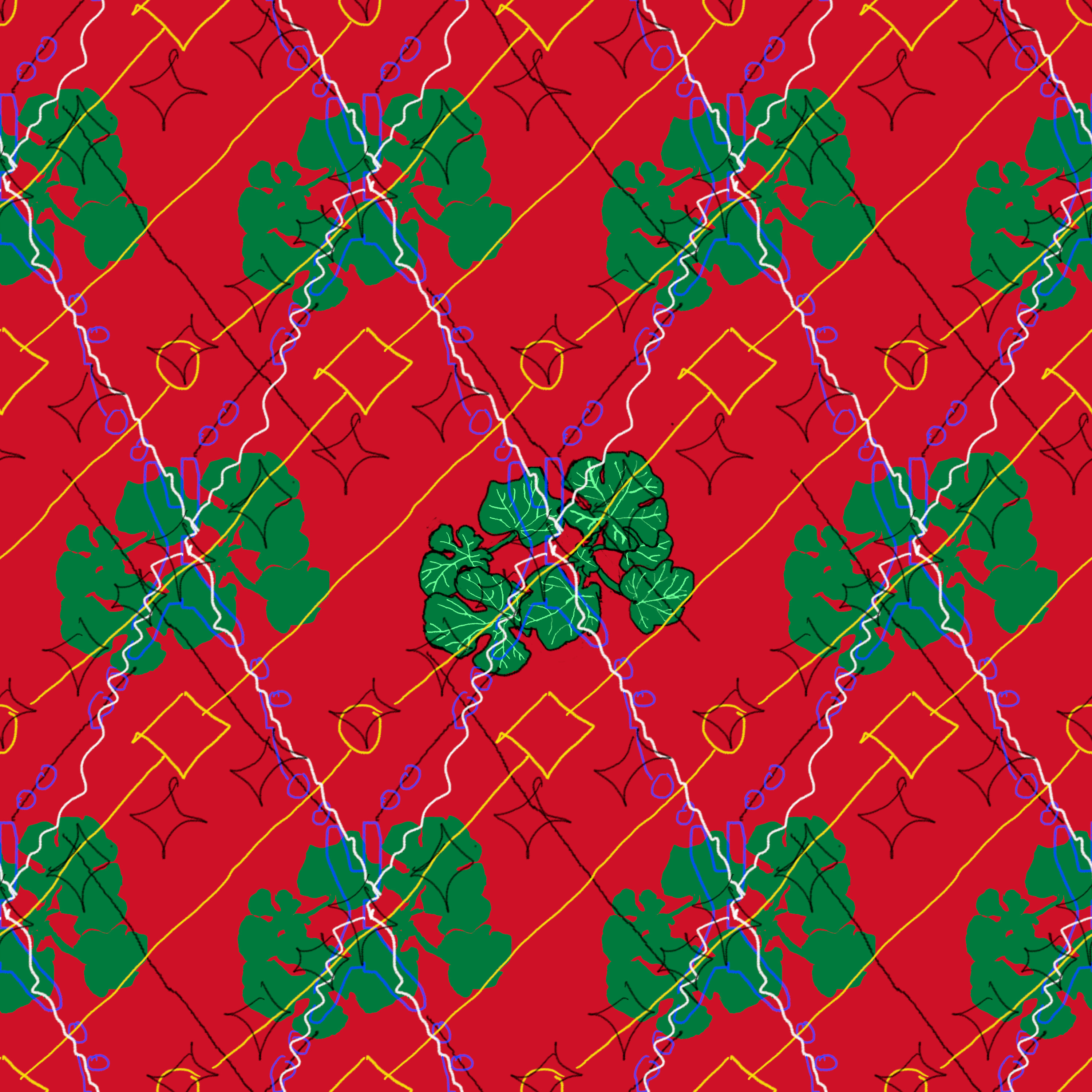
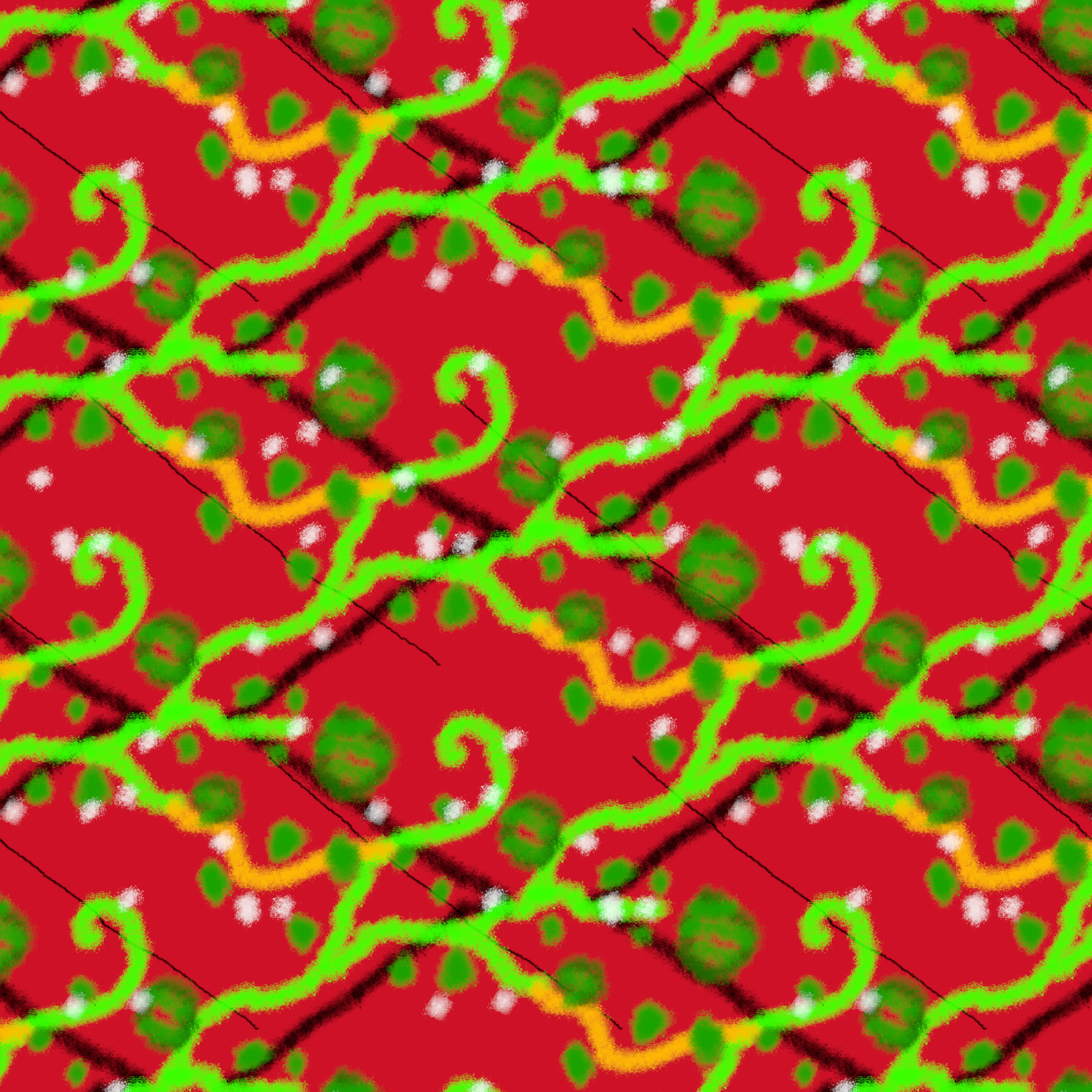
Some doodles and early tiling technical exercises to figure out the software behavior, this culminates in later refinements of this watermelon vine pattern as well as the tutorial I have published on tiling / Surface Design in Inkscape which if I recall features some notes on GIMP and Krita as well. Generally, any of these tiles can be previewed in GIMP, checking for errors and continuity, using the Offset tool dialogue at Layers > Transform > Offset. This works on one flattened layer at a time.
Been dipping into tutorials for tiling surface pattern design.
GIMP
I decided to spend time in GIMP first, testing the Layer Transform Offset and the Symmetry Painting tools under various settings to see what sort of geometries worked and didn’t work. They all only apply to one layer. Symmetry Painting is lovely for brush strokes but there’s no direct automation for arraying existing elements besides a basic square tiling filter. One can however use the Layer Transform offset for selections. Symmetry Painting only does offsets for the x axis, so some designs would need drawn rotated sideways first.
The total image needs sized so that every periodicity of elements lines up for one square tile. Cropping down works but scaling the canvas up after the fact doesn’t work with the way the Symmetry Painting does strokes. One can plan for different elements to converge in different planes, and one would want to plan all the separate periodicities to align within the images unified tile.
Krita
Krita does have basic wraparound square tiling with no variable offset painting for the entire image rather than just layer by layer, and displays an extended infinite canvas to visualize this. There is no offset There is no specifying smaller sub-image intervals. In addition to a layer offset transform, there is also an image offset transform that operates on all layers, which is nice.
Inkscape and Blender are up next in my tiling tests.