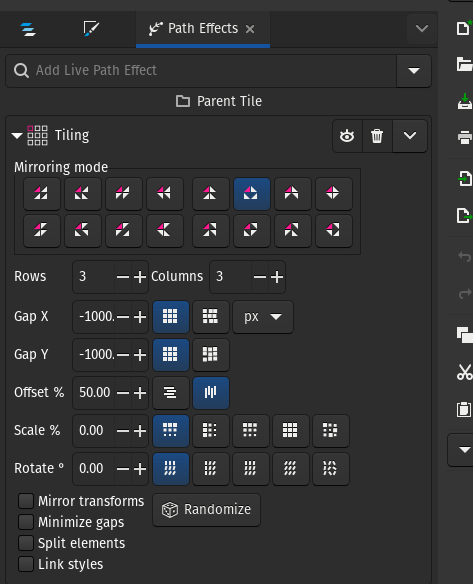

Don’t forget to check out my Tiling Surface Design in Inkscape tutorial.
VinoDeco_v151.svg
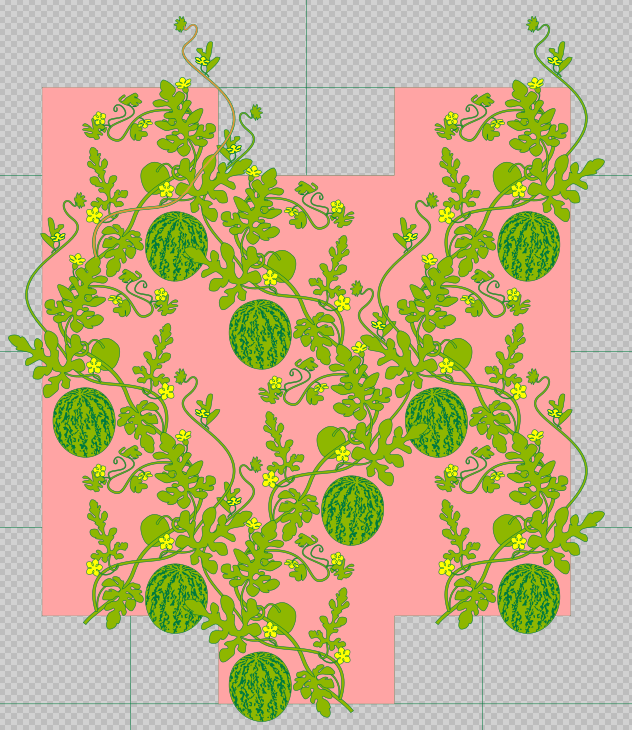
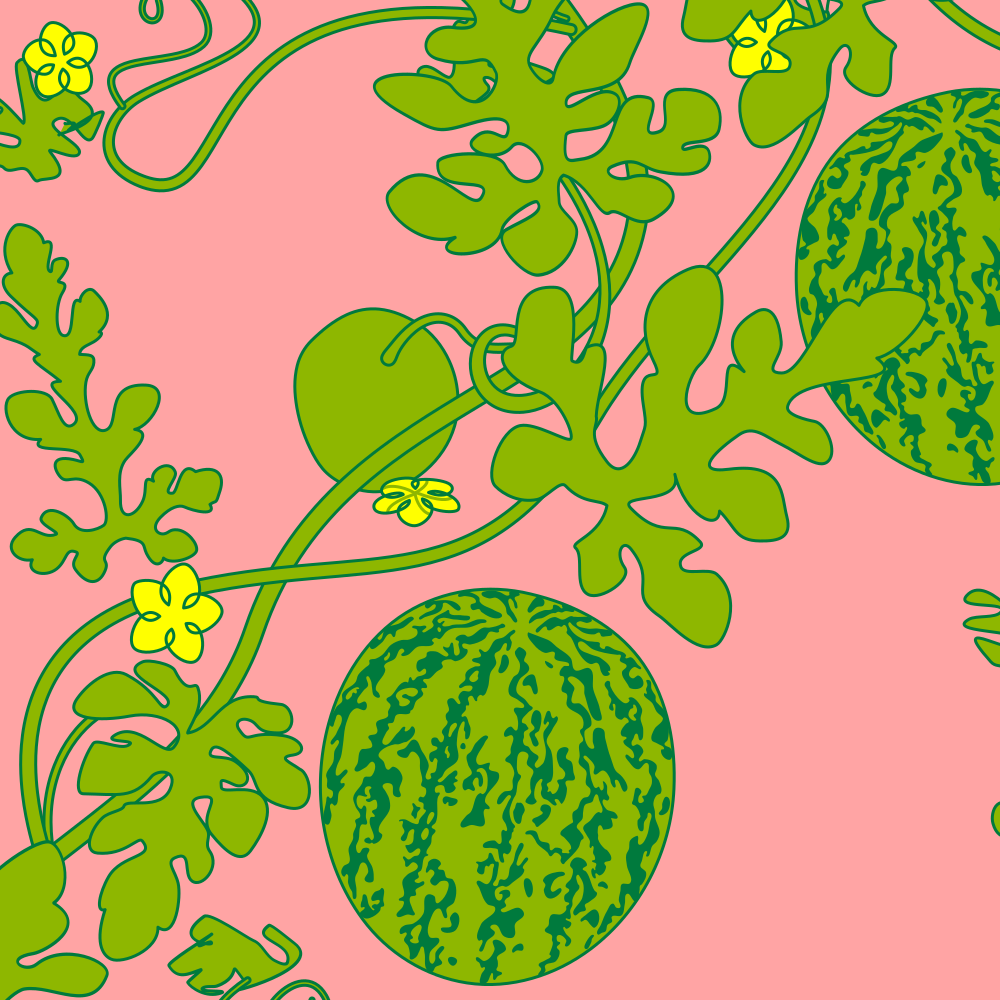
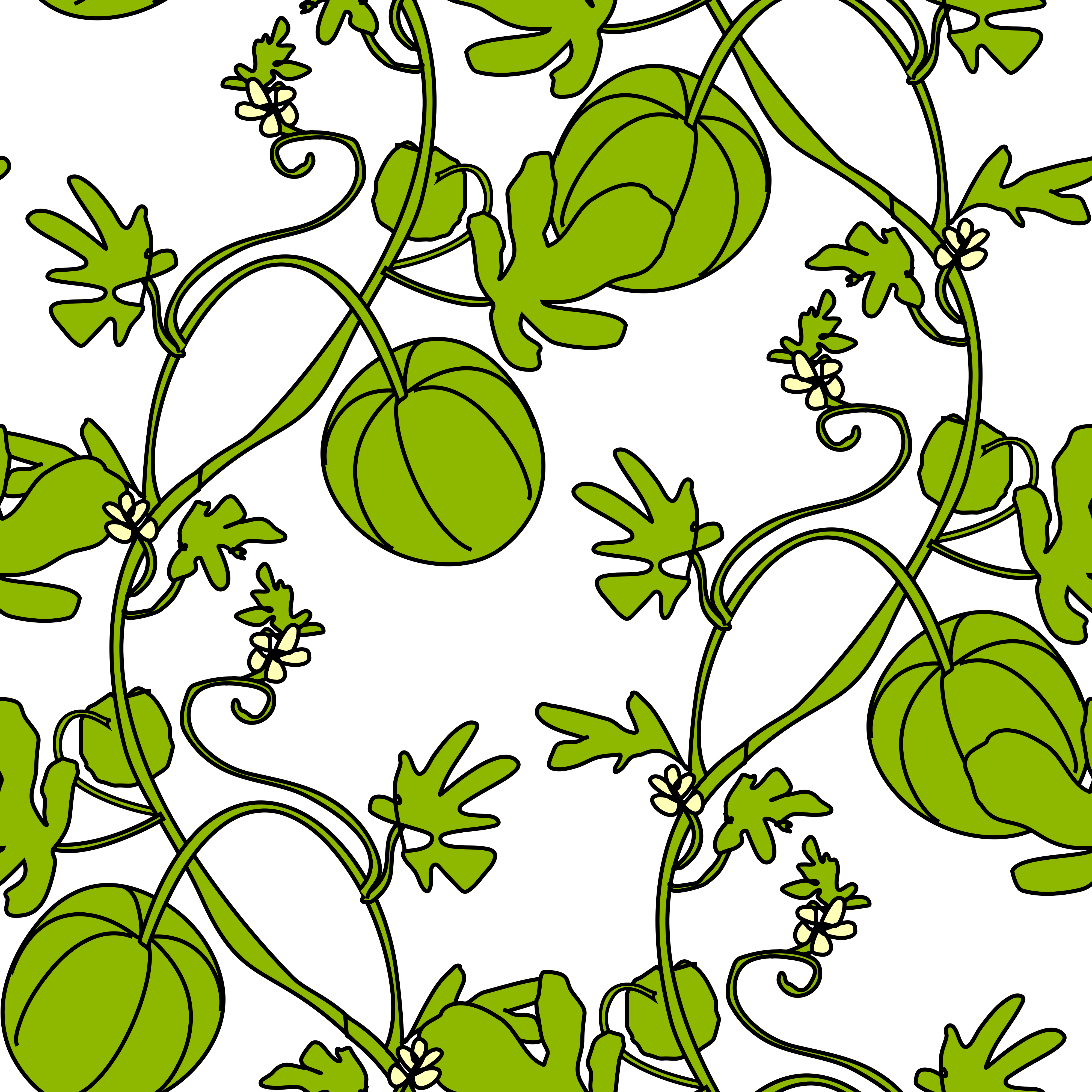
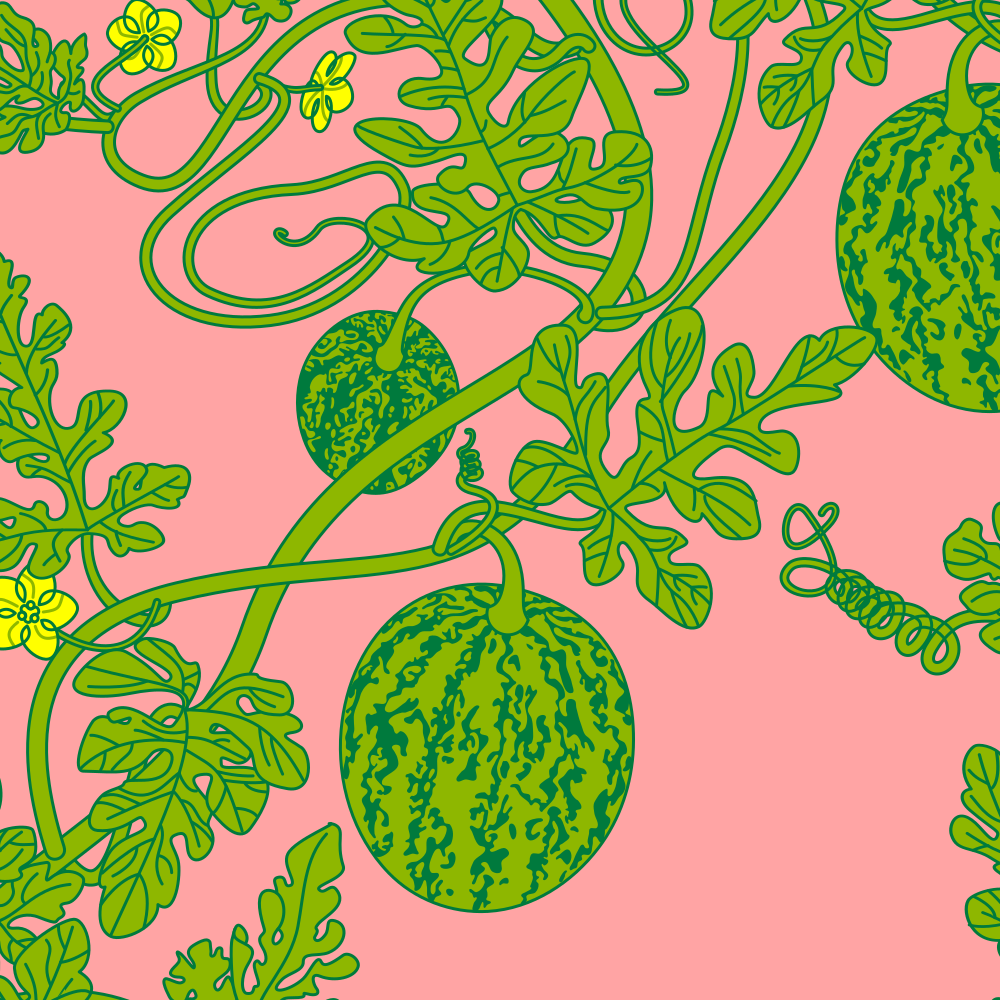
Here’s the working SVG file as of right now. I’m often impressed that, at least from my vantage point here on desktop Firefox, the web rendering of these does all the path effect behavior from Inkscape like Tiling and Power Stroke, even without specifying an older, more web-compliant variant of SVG. They really do mean that they are SVG compliant. This does seem to entail pushing the SVG standards directly.

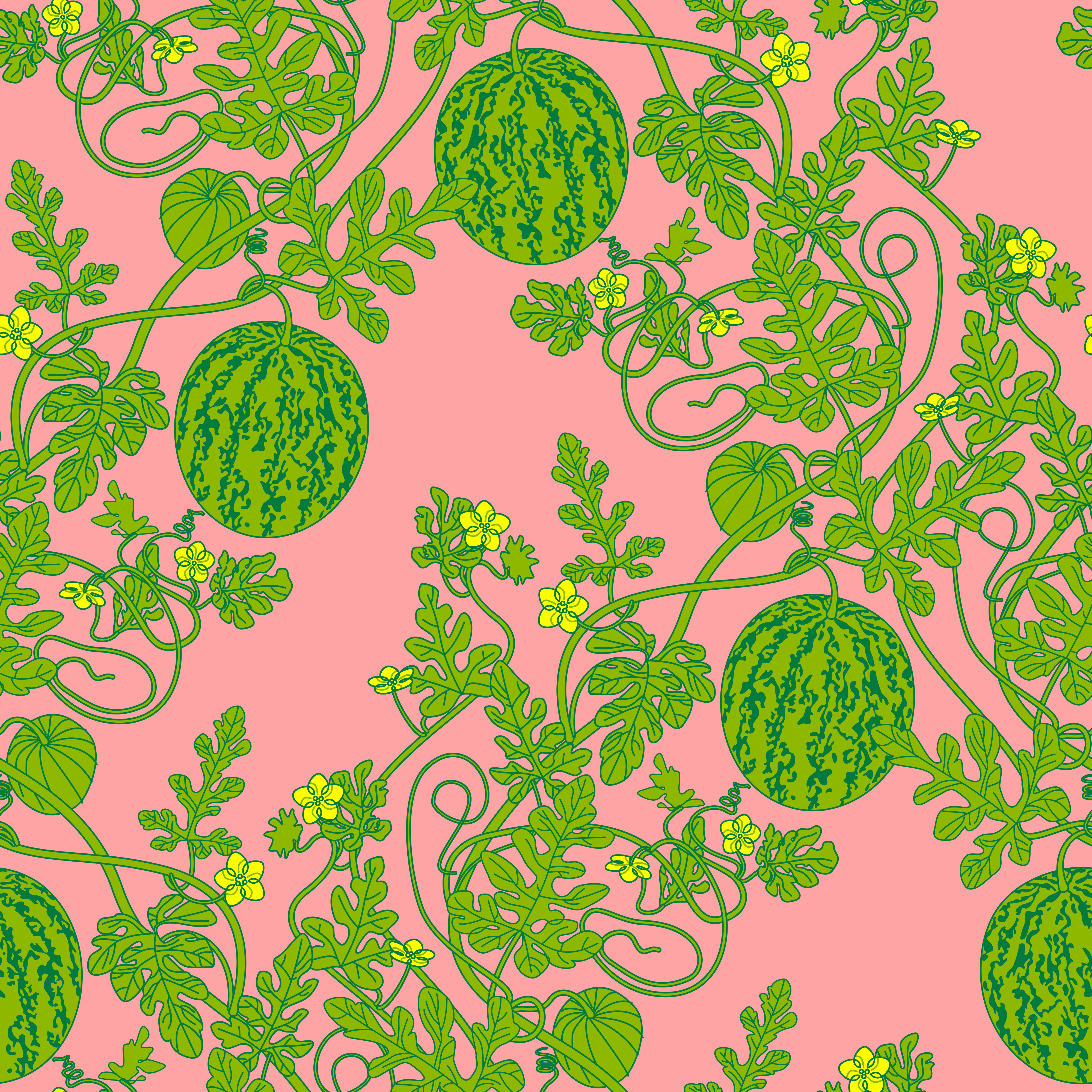
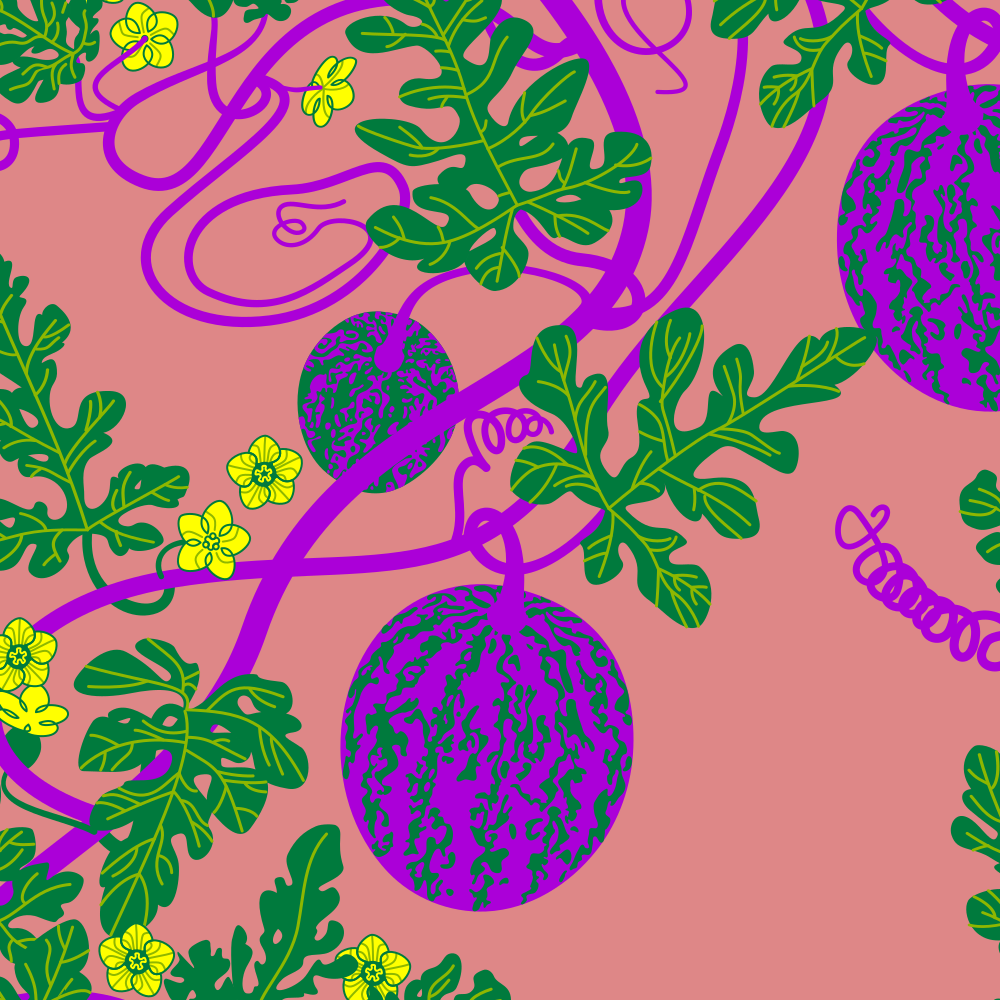
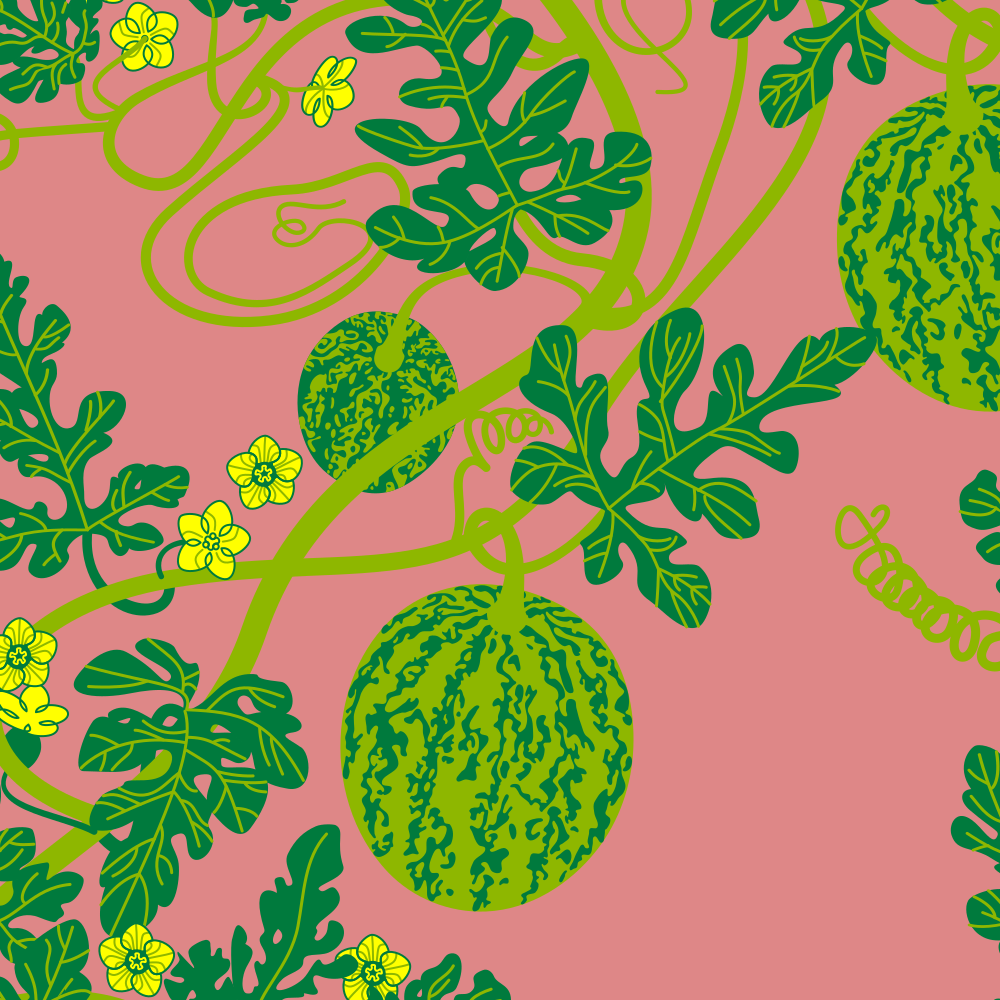
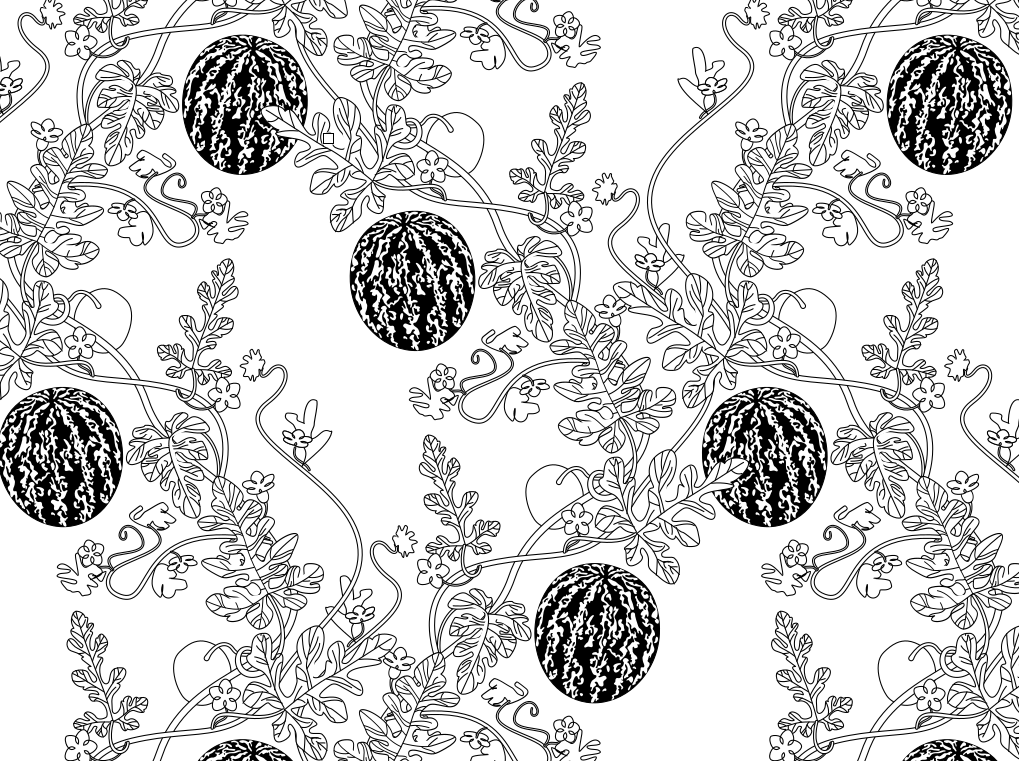
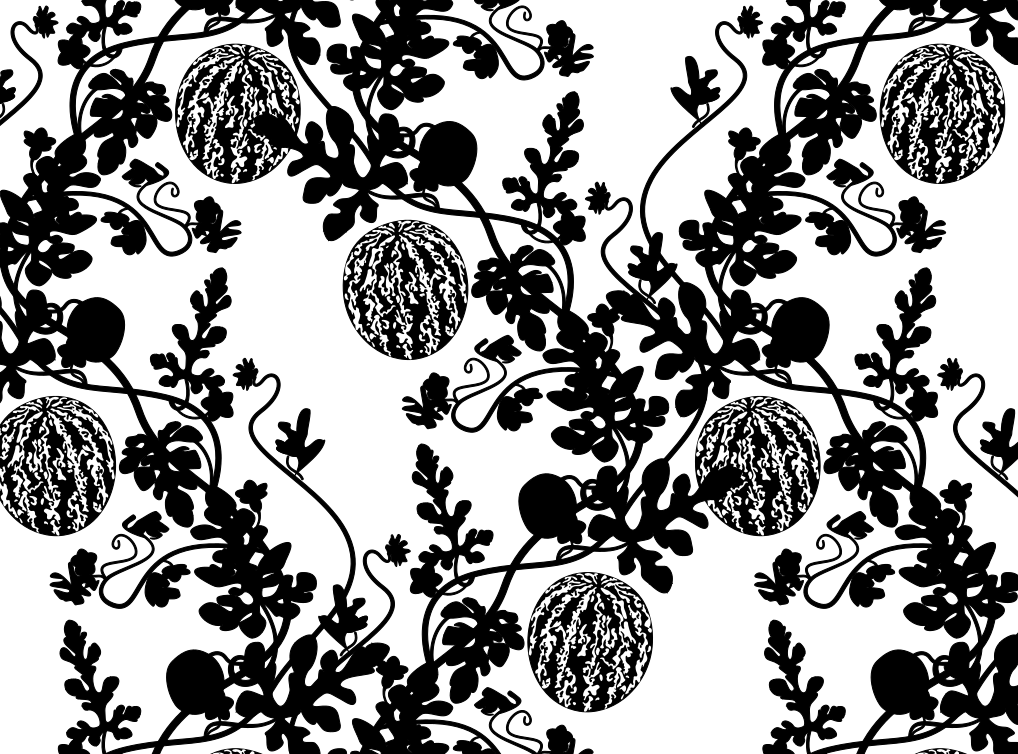
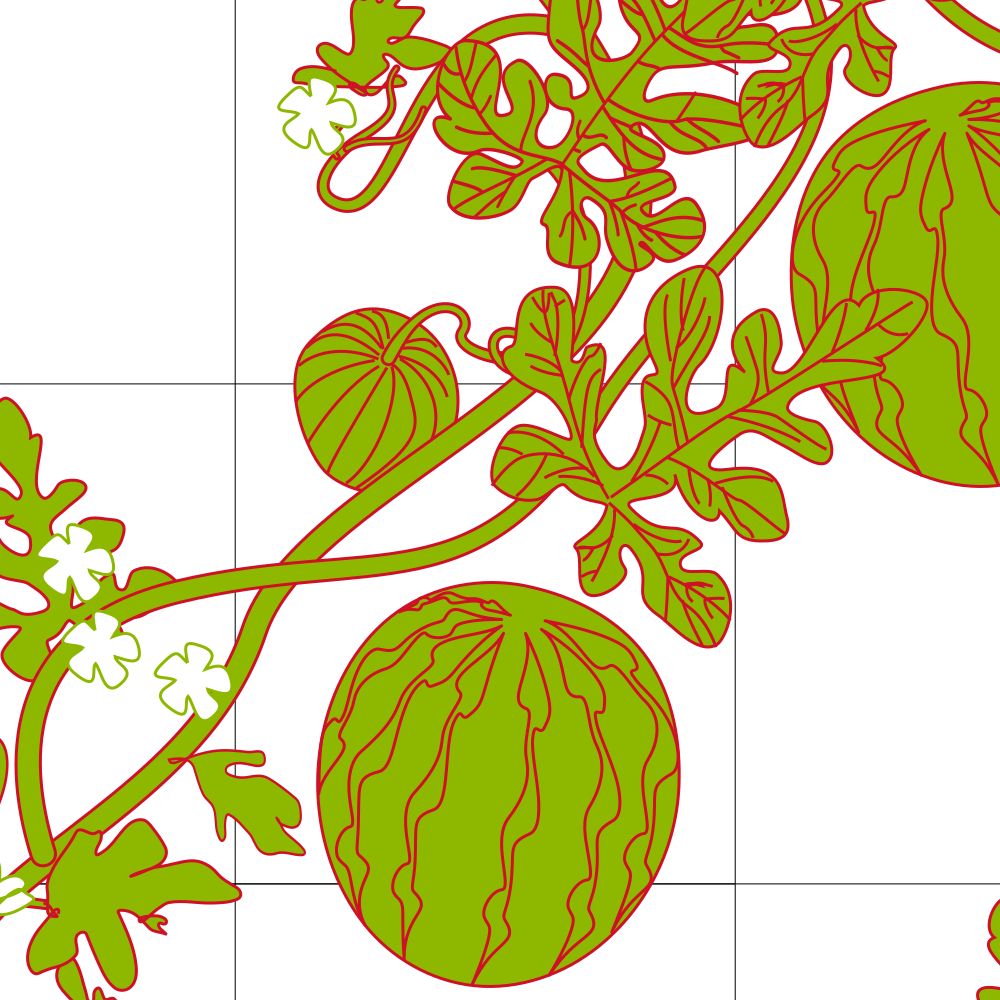
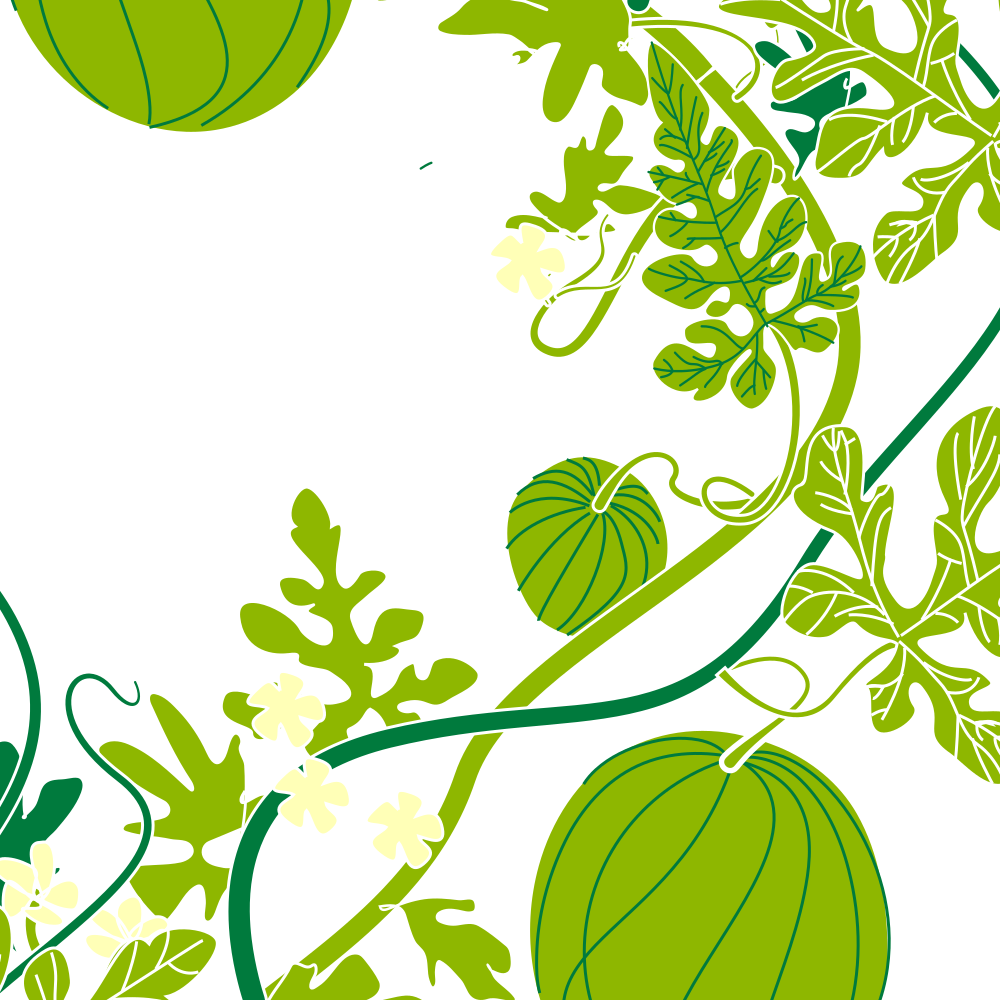
Using Inkscape’s Shape Builder tool in a hyper-specific way to get the overlapping shapes occluded just so is really quite fussy and destructive. The outlined version of this is hitting that and visual barriers as the fine tendril elements get smaller, I’m going to have to find a different solution in the design language or go with flat colors. It’s not a terrible look but I like the line design as well. I’ll definitely revisit this later, line and vine widths in particular.
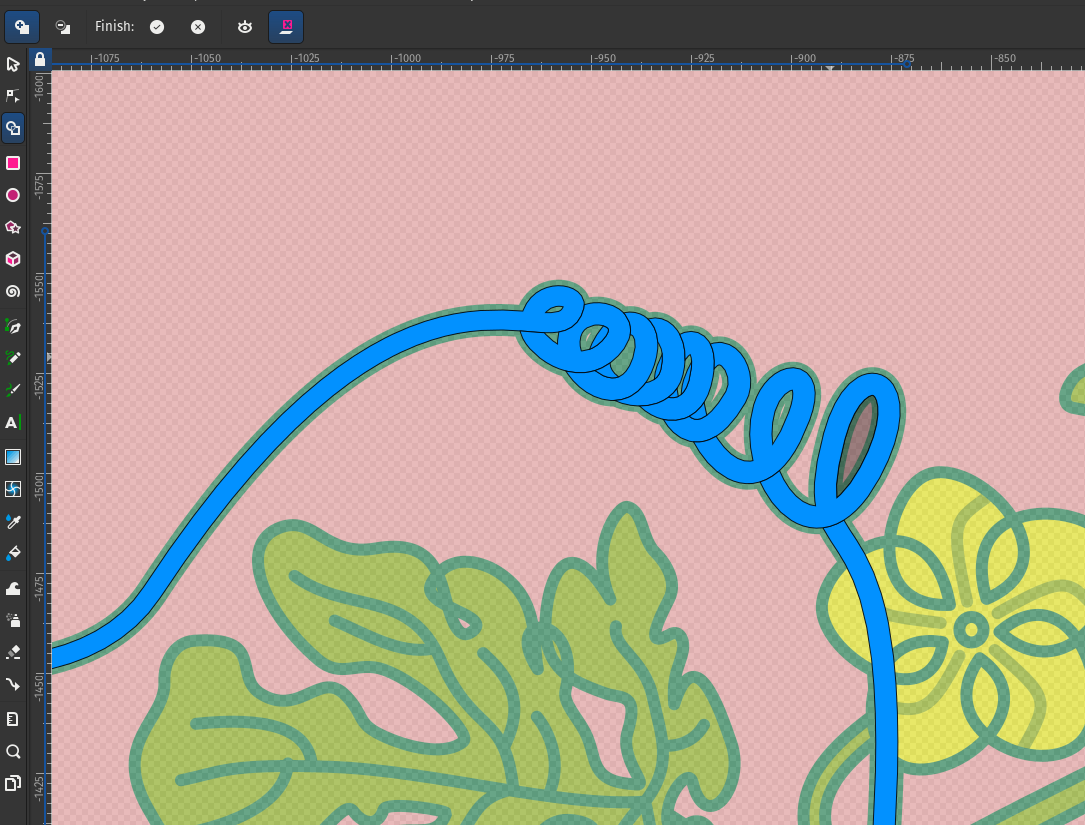
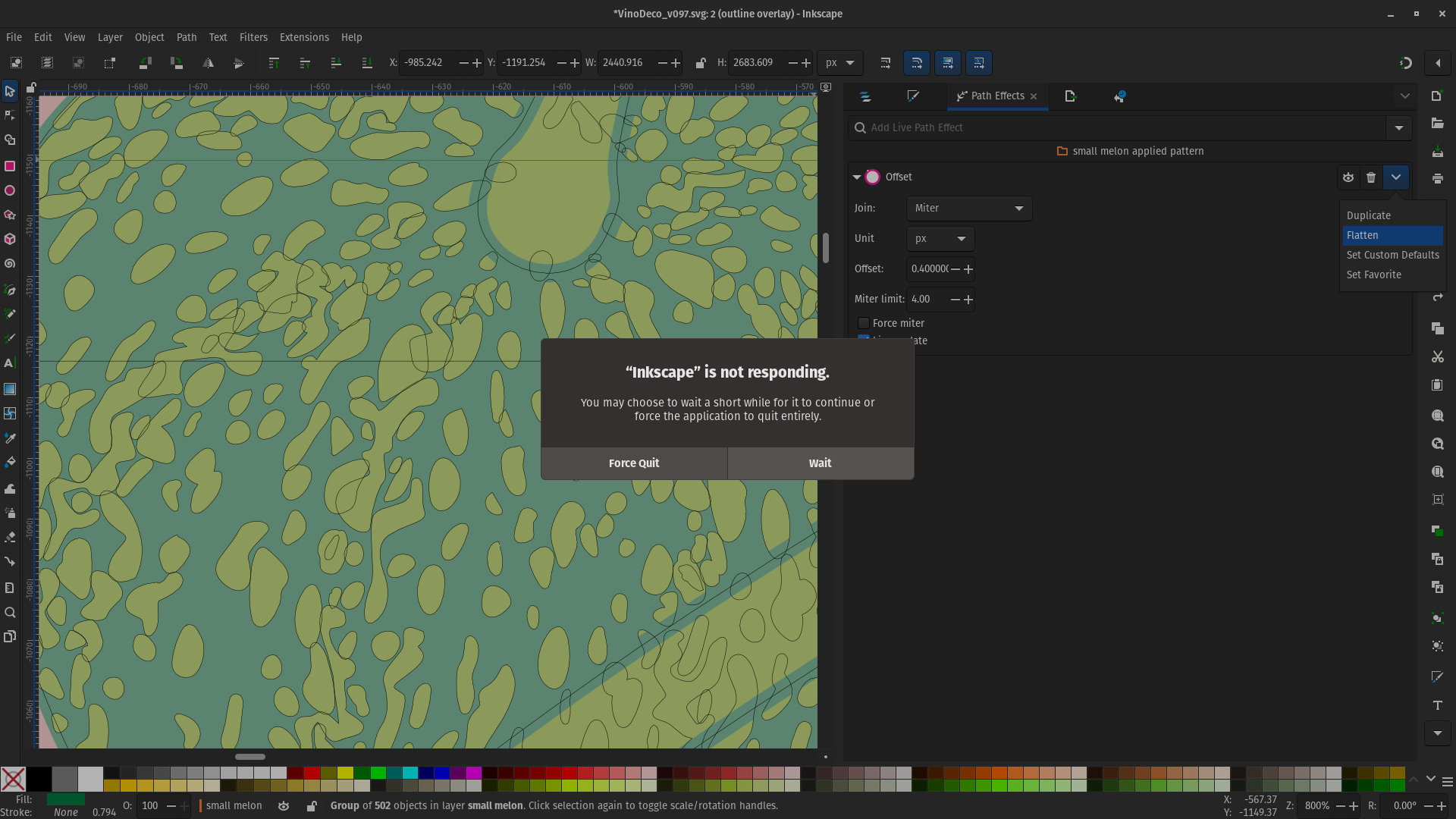
1) Inkscape does not like Undo operations to massive layer reorganizations. Just move them back manually, it’s not worth the app bogging and whole system freezing eventually. Some operations you just gotta wait out, but there are little strategies here and there to avoid behaviors that upset it or cause weird glitches.
2) Deleting the Tiling Path Effect (not hiding just deleting) seems to be the most helpful during certain operations.
3) Under Edit > Preferences > Rendering, up the number of threads! If you watch the system monitor you’ll see that some / most tasks stubbornly ping only one core / thread at a time but it does help keep operations plugging along a bit more gracefully.